
ON THIS PAGE
SmartSpace.ai FAQ, Bugs and Feature Requests
Easily navigate FAQs, log bugs, and suggest features to enhance your experience with prioritized, efficient support.
How to Check Your Azure Subscription Status
How to Check Your Azure Subscription Status
Q: How can I determine if I have an Azure subscription?
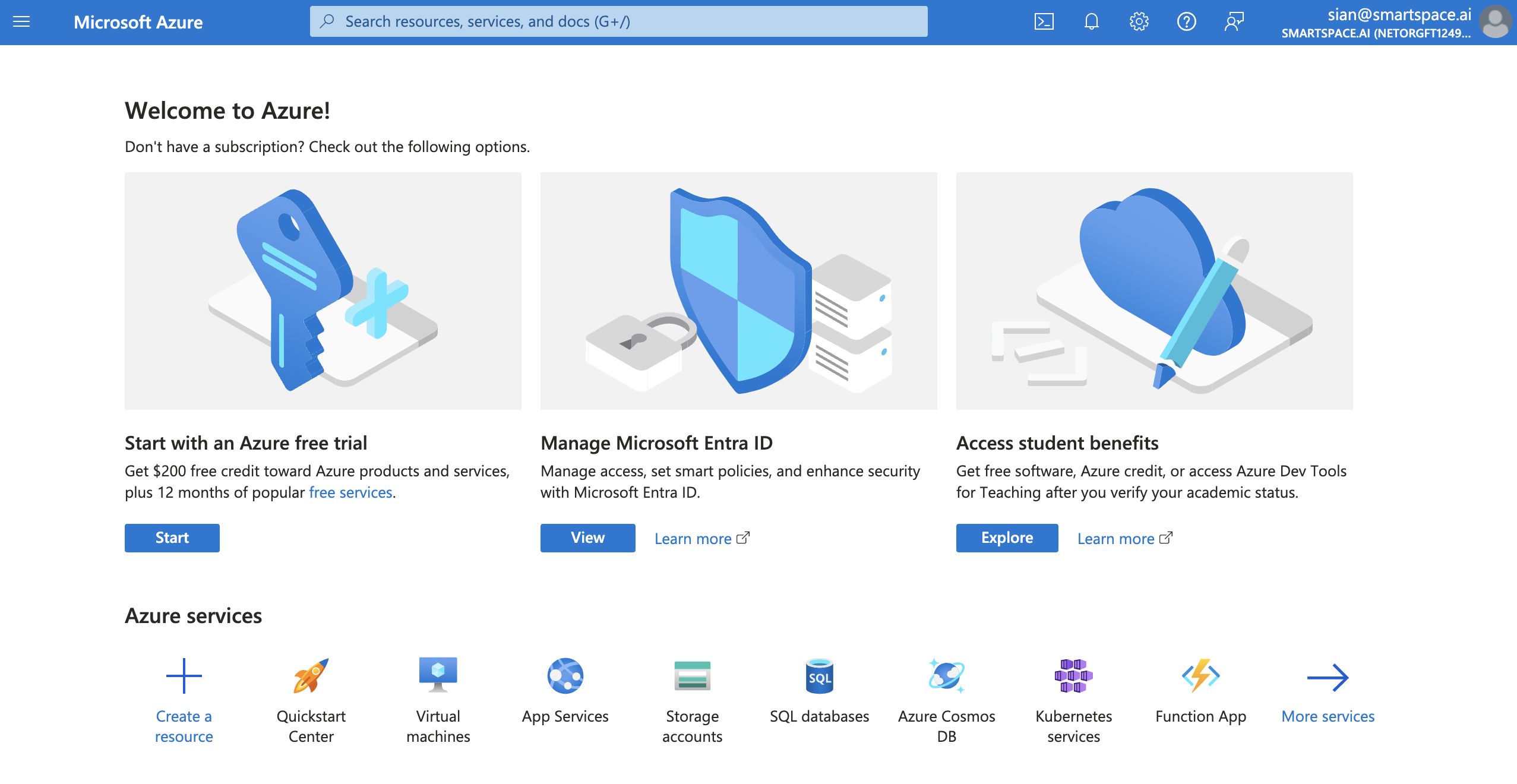
A: If you use Office 365/Copilot, you may already have an Azure tenant, but not necessarily an Azure subscription. To verify your subscription status, please visit the Azure Portal. If you are not subscribed, you will be greeted with a screen similar to this:

Q: What steps should I follow if I don’t have an Azure subscription?
A: Follow these steps to start an Azure free trial:
- Log into the Azure Portal.
- Click on “Get Started” to progress through the introductory tutorial screens.
- Select “Start an Azure Free Trial.”
- Continue by entering your payment information and required details as prompted by the form.
Q: What if I need further assistance with setting up my Azure subscription?
A: The Azure marketplace has extensive help documentation available.
For more information on SmartSpace in the Azure Marketplace, visit our marketplace page.
